
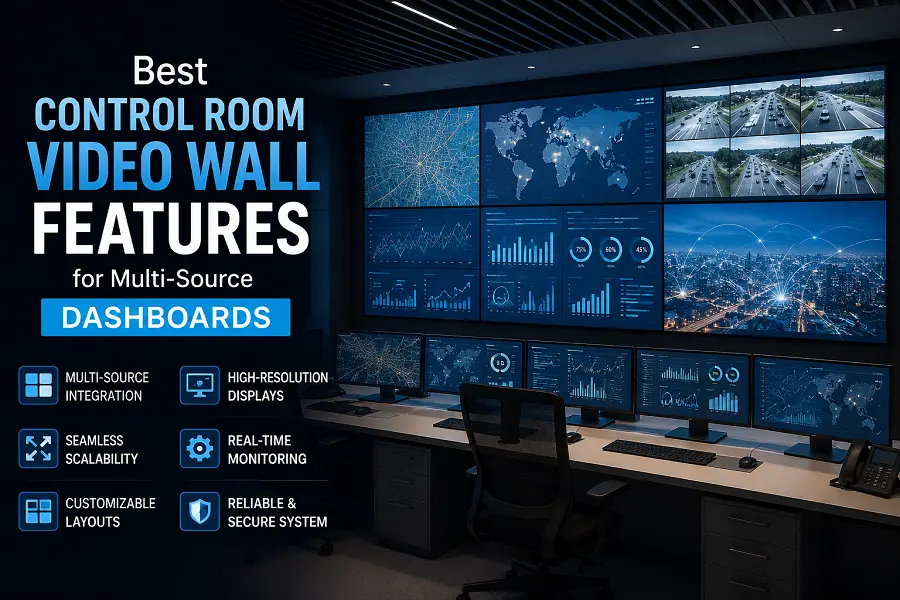
Best Control Room Video Wall Features for Multi-Source Dashboards
A control room rarely watches one source at a time. A single wall may show camera feeds, maps, incident logs, SCADA screens, web dashboards, video calls, news feeds, and status charts. The challenge is not putting all of them on screen. The challenge is making the right information visible at the right moment.
That is why multi-source dashboard planning should shape the video wall design from the beginning.
The Wall Needs a Layout Strategy
A big display without a layout plan becomes visual clutter. Operators need to know where to look first, where secondary information lives, and how the wall changes during incidents.
A useful layout often includes zones:
- Primary awareness zone for maps, alerts, or key camera feeds
- Secondary monitoring zone for routine dashboards
- Collaboration zone for calls, reports, or shared documents
- Incident zone that can expand when something urgent happens
This structure helps prevent every source from competing for attention.
Readability Depends on More Than Screen Size
A large wall can still be hard to read if the content is too small, too dense, or poorly scaled. Pixel pitch affects LED detail, but dashboard design matters too. Small fonts, thin lines, and low-contrast charts may fail even on a high-quality wall.
Before choosing hardware, test real screenshots. Put actual dashboards into the proposed wall layout. Stand or sit where operators will work. Check labels, numbers, camera IDs, and map details.
Source Control Is Part of the Experience
AVNetwork has reported that command-and-control rooms now handle a wide variety of sources, including IP cameras, news feeds, internet sources, and internal communications. That makes source management as important as the display itself.
Operators may need to resize windows, move sources, change presets, or push content from a workstation to the wall. If that process is slow, the wall becomes less useful during urgent moments.
Aspect Ratio Helps Standardize the Canvas
Many dashboards, video feeds, and conference windows are designed around familiar widescreen formats. A wall that supports clean 16:9 layouts can simplify content planning. Esdlumen lists the BIM MAX Series as an indoor fixed LED display with a 16:9 cabinet direction and the ability to assemble LED walls in 2K, 4K, 8K, and similar formats. That makes a large indoor LED display wall a useful direction when the control room needs a structured canvas for multiple dashboard sources.
Plan for Normal Mode and Incident Mode
A dashboard wall should not have one static layout. Normal monitoring may use balanced zones. Incident mode may enlarge a map and put related cameras around it. Executive briefing mode may simplify the screen for communication.
The best features are the ones that reduce operator effort: clear window presets, readable scaling, stable brightness, flexible source routing, and service access that does not disrupt the room.
A multi-source wall succeeds when people stop thinking about the display and start using the information. That requires hardware, layout, and workflow to be planned as one system.