Every content strategy meeting at our agency starts with the same question from a client. “What is the competition doing on Reels?”
Usually it is a D2C brand. Skincare, snacks, ethnic wear. Sometimes an edtech startup in Noida or a dental chain in Pune. And the honest answer is almost always: more than you think, and faster.
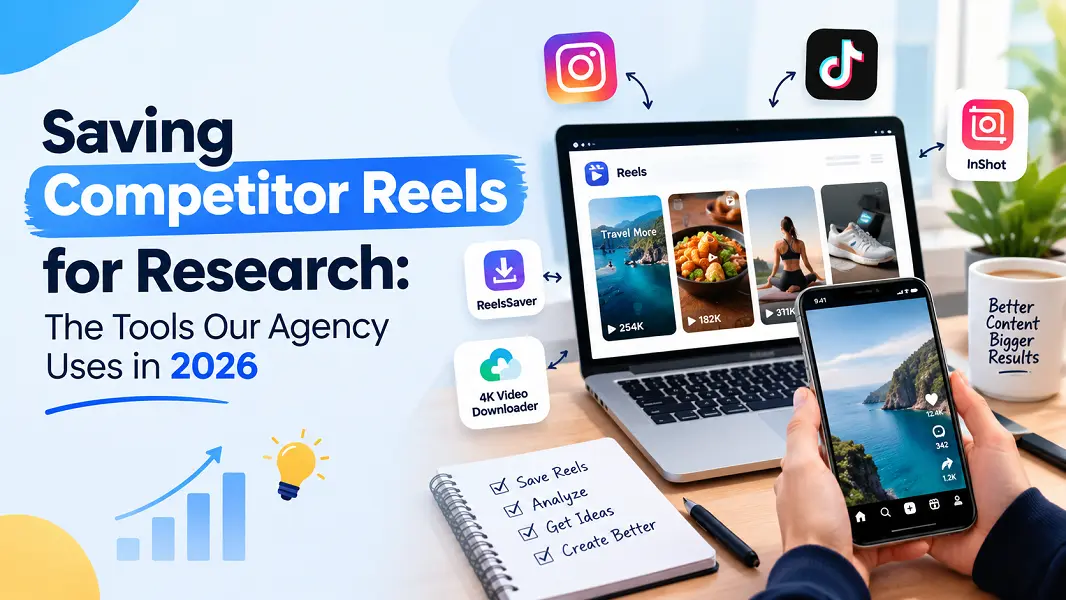
To answer properly, we build a research library. Twenty to fifty competitor Reels per client, saved as video files, tagged by format, hook, offer and call to action. Then the team sits together and watches them like match footage.
This post covers why we save rather than bookmark, the tools we have tried, a best-for label for each, and the ethics rules we follow. That last part matters more than any tool.
Why bookmarks fail as a research method
Instagram’s save button is fine for personal use. For research it falls apart quickly.
Saves live inside one person’s account. You cannot share a saved collection with a teammate who is not logged in as you. You cannot drop a saved Reel into a slide deck. And when a competitor quietly deletes a Reel that flopped, it vanishes from your saves, which is a shame, because the flops are often the most useful data.
Instagram does not let you download most Reels to your device. So we need an outside tool.
Screen recording was our first answer. It gave us blurry clips with phone status bars, someone’s Slack notification in the middle of a hook, and a junior team member’s low battery warning on a client presentation. We moved on.
What we need from a downloader
- The original video, in good quality, so on-screen text and product shots are readable in a meeting room
- Works on whatever device a team member has, Android, iPhone or laptop
- No login, no app installs on work devices
- Fast enough to do thirty saves in one sitting
The tools, with labels
Best overall for a research library: Sssinstagram
This is our default, and it is in the onboarding doc for new hires.
The process: copy the Reel link from the share menu, open Sssinstagram in the browser, paste, press Download. You get an HD MP4 in the gallery or downloads folder. It works on Android, iPhone and desktop with no app install, which keeps our IT person happy.
For research, two things stand out. First, the output is the original quality, so when we pause on a frame to read a price callout or a discount code, it is legible on a projector. Second, it also saves photos, videos, carousels, IGTV and Stories from public accounts. Competitor carousels are half the story in many niches, and having one tool for all formats keeps the library consistent.
It only handles public accounts. For competitor research that is fine. Public posts are what their audience sees anyway.
Best backup: SnapInsta
Does the core job from a pasted link. We keep it in the shared bookmarks for days when someone wants a second option. In our experience the page carries more ads, so newer team members need a quick heads-up about which button is the real one.
Best if you already pay for an Instagram toolkit: Inflact
Inflact wraps its downloader in a broader Instagram tools platform. If your team already uses that platform for other tasks, keeping everything in one place may be worth it. For download-only work, it is more interface than we need.
Best for occasional one-offs: Toolzu
Also a toolkit with a downloader inside. Works fine for a single save. For a thirty-Reel research sprint, the extra navigation slows us down.
Best for capturing context: screen recording
Here is the one place screen recording wins. If you want to show a client how a competitor Reel looked in the feed, with the caption, like count and comments on screen, a recording captures that context. We do this for one or two examples per deck. For the actual research library, we use proper files.
Best for quick triage: Instagram save
Good for flagging Reels while scrolling on the metro. Then someone downloads the useful ones properly later.
Comparison table
| Tool | Best for | Output | Install or login | Formats |
| Sssinstagram | Research library | HD MP4, original | Neither | Reels, photos, videos, carousels, IGTV, Stories |
| SnapInsta | Backup | Video file | Neither | Several |
| Inflact | Teams already on its toolkit | Video file | Not for basic download | Several |
| Toolzu | One-off saves | Video file | Neither for basics | Several |
| Screen recording | Feed context in decks | Copy of the screen | Built in | Anything on screen |
| Instagram save | Triage while scrolling | Bookmark | Your account | Anything you can see |
Our ethics rules
Competitor research is normal. Copying is not. We hold the line with a few simple rules.
Library only. Downloaded Reels stay in a private shared drive. They never get posted, cut into client ads or used as stock footage.
Public content only. We do not use anyone’s personal account to get into private profiles. Ever.
Credit in the file name. Every file is named with the brand handle and date saved, so nobody forgets whose work it is.
Learn the pattern, not the asset. We note that a competitor uses a split-screen before and after with a price drop in the second three seconds. We do not recreate their exact video. Our clients deserve their own ideas, and in our experience copied Reels tend to land flat because audiences notice.
Delete after the project. Old research goes stale fast on Reels. We clear the folder when the strategy is delivered.
A good library makes the strategy meeting short. That alone is worth the effort.