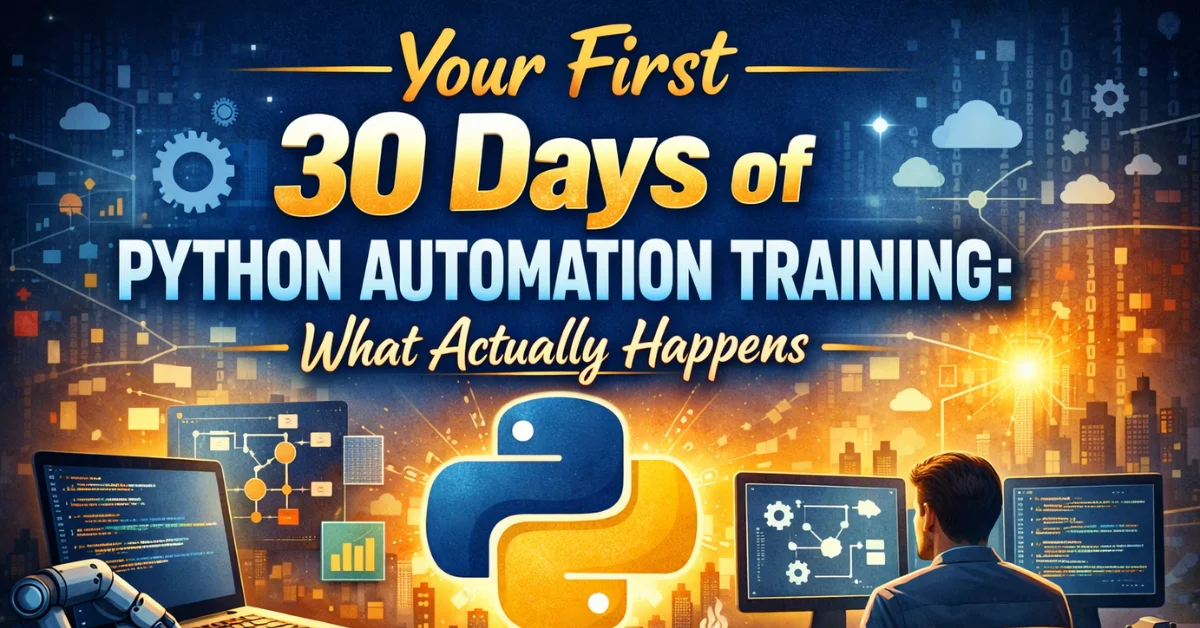
You’re considering Python automation training. The course description sounds promising. But what actually happens once you start? What does week one feel like? When does it get hard? When does it click?
Most training descriptions focus on outcomes — what you’ll know after completing the course. They skip the experience of getting there. This guide covers what actually happens during your first 30 days, based on patterns across thousands of automation learners. Knowing what’s coming helps you push through when it matters. For training options to consider, this overview of Python automation training in Canada compares different approaches.

Before Day One: The Setup Phase
Most people underestimate setup. Installing Python, configuring an editor, understanding virtual environments — none of this is the “real learning” but all of it takes time.
What happens: You download Python, install an IDE (probably VS Code), and run your first “Hello World.” This feels anticlimactic. You expected to start automating; instead, you’re troubleshooting PATH variables.
Common frustrations: Different Python versions causing confusion. Editor extensions not working as expected. “It works in the video but not on my machine.” Environment issues that have nothing to do with programming itself.
What helps: Expect setup to take a full session. Don’t count this as learning time — it’s preparation. Follow setup guides exactly, even steps that seem unnecessary. Most early “bugs” are actually environment problems.
Emotional state: Mild frustration mixed with anticipation. The real learning hasn’t started yet.
Week One: The Honeymoon
Week one typically feels easier than expected. Concepts are fundamental, examples are simple, and progress is visible.
Days 1-3: First Code That Works
What you learn: Variables, basic data types, print statements, simple operations. How to run a Python file. Reading error messages at a basic level.
What it feels like: Surprisingly approachable. “Maybe I can actually do this.” Each small program that runs feels like victory. The feedback loop is immediate — write code, run it, see results.
First automation glimpse: Maybe you write a script that calculates something you’d normally do manually. Simple, but the concept clicks: code follows instructions you write.
Days 4-7: Building Momentum
What you learn: If statements, loops, basic logic. Making code do different things based on conditions. Repeating operations automatically.
What it feels like: Growing confidence. The logic feels intuitive — “if this, then that” maps to how you already think. Loops feel powerful: “It just processed 100 items in a second.”
Common experience: Staying up late because you want to finish “just one more lesson.” Telling friends and family about learning to code. Imagining all the things you’ll automate.
Warning sign to notice: If week one feels impossibly hard, something’s wrong — either the course isn’t starting basic enough, or setup issues persist. Week one should build confidence, not destroy it.
Week Two: The First Wall
Week two is where training diverges from casual tutorial watching. Concepts get abstract. The easy wins slow down.
Days 8-10: Functions and Frustration
What you learn: Functions — writing reusable code blocks. Parameters, return values, scope. Why organizing code matters.
What it feels like: Suddenly harder. Functions feel abstract. “Why can’t I just write the code directly?” The purpose isn’t obvious until you need it. Errors become more confusing — variable scope issues, forgetting return statements.
Critical moment: This is where many self-taught learners quit. Structured training pushes through; random YouTube watching doesn’t. If you’re in a good program, the curriculum knows this is hard and provides extra support here.
Days 11-14: Data Structures
What you learn: Lists, dictionaries, working with collections of data. Accessing elements, iterating through data, basic data manipulation.
What it feels like: Intellectually interesting but practically unclear. “When would I use a dictionary versus a list?” The concepts make sense in isolation but combining them feels overwhelming.
Common experience: Re-watching videos multiple times. Feeling like you understood yesterday but forgot today. Starting to doubt whether you’re “smart enough” for this.
What helps: This is normal. Everyone feels this in week two. The confusion is part of learning, not evidence of failure. Keep moving forward — clarity comes from application, not more explanation.
Week Three: First Real Automation
Week three is often the turning point. Concepts start connecting to real automation tasks.
Days 15-17: Working with Files
What you learn: Reading files, writing files, working with the file system. CSV handling, perhaps introduction to pandas.
What it feels like: Finally practical. You write a script that reads a CSV file and processes the data. This is automation — your code touches real files, produces real output. The abstract concepts from week two suddenly have purpose.
Common breakthrough: “I just processed 500 rows of data in two seconds.” The moment where Python’s power becomes tangible, not theoretical.
Days 18-21: First Useful Script
What you learn: Combining skills into practical projects. File operations plus data processing plus logic. Building something that solves a real problem.
What it feels like: Exciting and frustrating simultaneously. You can see what you want to build but keep hitting obstacles. Error messages are more complex. Debugging takes longer than coding.
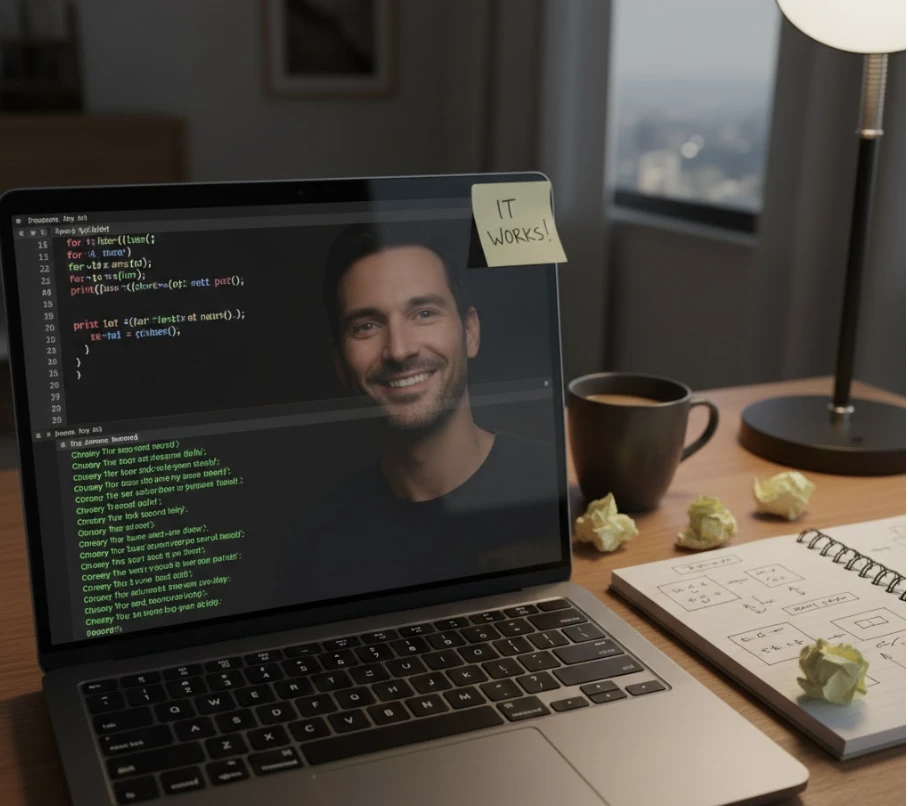
Key experience: Writing your first script that automates something from your actual work or life. Maybe it’s simple — renaming files, cleaning data, generating a basic report. But it’s yours, and it works.
Emotional shift: From “learning Python” to “building automations.” You start seeing automation opportunities everywhere. “I could automate that” becomes a constant thought.

Week Four: The Integration Challenge
Week four tests whether the learning is integrating or fragmenting.
Days 22-25: Expanding Capabilities
What you learn: More libraries and techniques. Perhaps Excel automation, web requests, or more advanced pandas operations. Each new tool opens new possibilities.
What it feels like: Capability is growing but so is cognitive load. There’s more to remember, more ways things can go wrong. You might feel like you’re forgetting earlier material while learning new content.
Common struggle: Knowing something is possible but not remembering how to do it. “I learned this last week but can’t recall the syntax.” This is normal — lookup skills matter more than memorization.
Days 26-30: Project Integration
What you learn: Combining multiple techniques into larger projects. Error handling basics. Making automations more robust.
What it feels like: The pieces starting to fit together. You can look at a problem and see how to break it into steps you know how to code. You’re still slow and make mistakes, but the path is visible.
Month-end experience: Looking back at week one code and seeing how far you’ve come. The simple scripts that felt like achievements now look trivial. This perspective shift proves growth.
The Emotional Cycle
Expect your motivation to follow a predictable pattern:
Days 1-7: High enthusiasm. Everything is new and exciting. You feel like you’re making rapid progress.
Days 8-14: Doubt and difficulty. The honeymoon ends. Concepts get harder. You question whether you can do this.
Days 15-21: Renewed motivation. Practical application reignites interest. Real automations prove the learning is working.
Days 22-30: Steady progress. Less dramatic highs and lows. Confidence builds through accumulation rather than breakthroughs.
Knowing this cycle helps you not panic when week two hits. The doubt is scheduled. It’s not a sign you should quit.
What Separates Completers from Dropouts
The first 30 days determine who finishes and who quits. The difference isn’t intelligence or talent:
Completers push through week two. They accept that confusion is temporary and keep moving. Dropouts interpret confusion as evidence they’re not cut out for this.
Completers maintain schedule. They protect their learning time even when motivation dips. Dropouts skip sessions when they don’t feel like it, then never return.
Completers ask for help. They use support resources — instructors, forums, peers. Dropouts struggle alone until frustration overwhelms them.
Completers connect to purpose. They remember why they started and what they want to automate. Dropouts lose sight of the goal when learning feels abstract.
Realistic Day-30 Capabilities
What can you actually do after 30 days of consistent Python automation training?
You can:
- Write scripts that process CSV and Excel files
- Automate file organization — renaming, moving, sorting
- Build basic data cleaning and transformation pipelines
- Read and understand simple Python code others have written
- Debug common errors with guidance
- Identify automation opportunities in your own work
You can’t yet:
- Build complex multi-system integrations
- Write production-grade code without guidance
- Debug obscure errors independently
- Automate everything you imagine
- Work as a professional Python developer
The honest truth: 30 days starts the journey. It doesn’t complete it. You’ll have real capabilities, but you’re early in the learning curve. Months 2-4 build on month one’s foundation.
Making Your First 30 Days Count
Specific strategies for maximizing the first month:
Before starting: Clear your schedule for realistic learning time. Identify at least three specific tasks you want to automate. Tell someone about your goal for accountability.
Week one: Build momentum while it’s easy. Do extra if you’re motivated. Bank enthusiasm for when week two hits.
Week two: Expect difficulty and don’t let it stop you. This is the critical gate. Reach out for help. Reduce pace if needed but don’t stop entirely.
Week three: Apply learning to real problems. Write your first personally-useful script. Reconnect with why you started.
Week four: Build integration projects. Review earlier material. Start thinking about month two goals.
Throughout: Code daily, even briefly. Protect your learning time. Ask questions when stuck. Remember that confusion is normal, not failure.
What Happens After Day 30
The first 30 days build foundation. The next 60 days build capability. Month one is learning to walk; months two and three are learning to run.
Graduates who push past the first month report accelerating progress. The difficult concepts from week two become automatic. New libraries feel easier because patterns are familiar. Projects that seemed impossible at day 30 become achievable at day 60.
The first 30 days are the hardest not because the content is hardest but because everything is new. After that threshold, learning becomes building on what you know rather than starting from zero.
Starting Your 30 Days
Now you know what to expect. The excitement of week one. The struggle of week two. The breakthrough of week three. The integration of week four. None of this should surprise you anymore.
The question isn’t whether you’ll face these experiences — you will. The question is whether you’ll push through them. Most people who start Python automation training can succeed. Most people who quit could have succeeded if they’d continued through the predictable difficulty.
For a structured training program designed around this progression — with support when week two hits and projects that make week three meaningful — explore the LearnForge Python Automation Course. Built to get you through the first 30 days and beyond, with curriculum that anticipates exactly when learners struggle and provides what they need to continue.